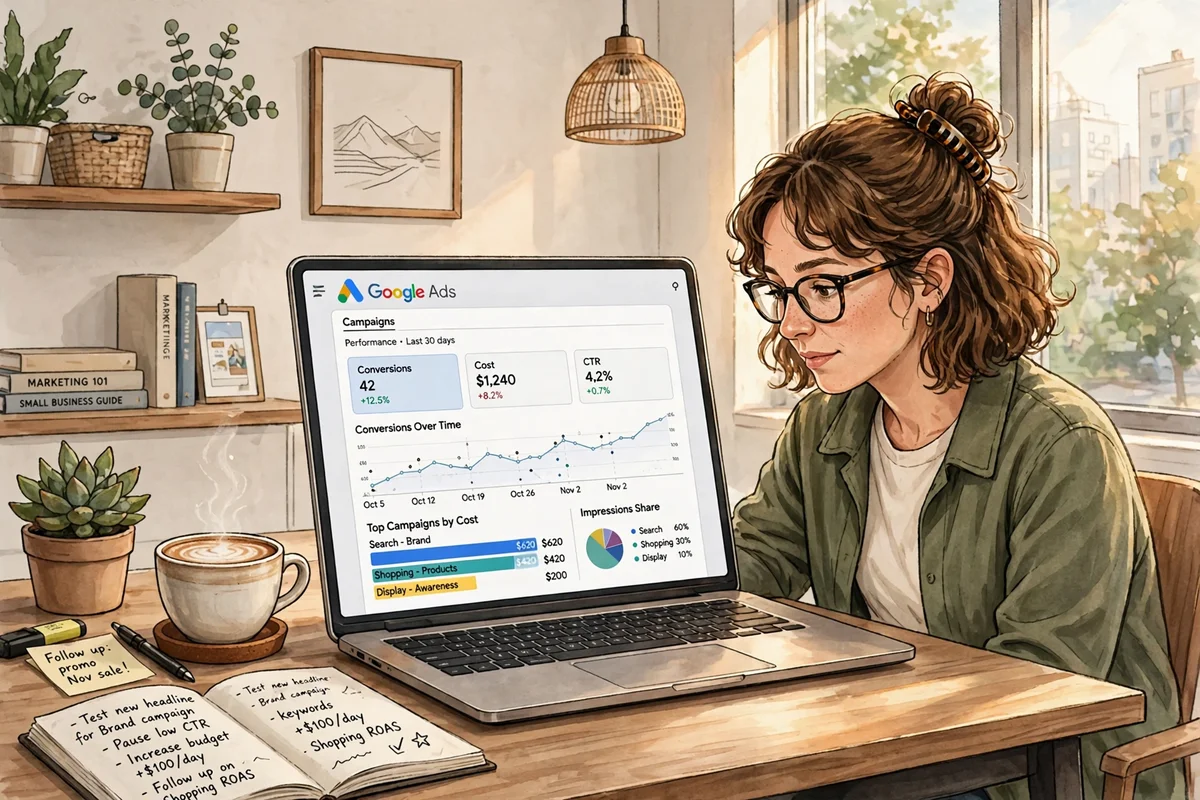
Every day, people in your town type exactly what you sell into Google, and someone’s business shows up first. The question is whether that business is yours. Google Ads management is the work of making sure it is, without wasting money on clicks that never turn into customers. For a small business, every dollar has to earn its keep.
Done well, it is one of the fastest ways to reach buyers ready to act; done carelessly, it burns a budget fast. This guide covers what management involves, what it costs, which campaign types fit, and how to tell whether your ads are working.
What Google Ads Management Actually Means
Google Ads management is the ongoing work of planning, launching, and improving paid search campaigns — not a one-time setup. A campaign left alone slowly gets more expensive and less effective, as competitors change bids, search behavior shifts, and Google updates its system.
Real management covers several jobs at once. First, keyword research: the terms your customers actually use, and the ones you should never pay for — a roofing company wants “roof repair near me,” not “how to repair a roof yourself.” Second, ad writing that earns the click from the right person. Third, landing pages that match the ad’s promise, or visitors leave within seconds. Then the daily discipline: pausing keywords that spend without converting, testing new ad copy, and adjusting bids by time of day and device.
Why Google Ads Works for Small Businesses
Most advertising asks people to notice you while they are doing something else. Google Ads puts your business in front of someone at the exact moment they are looking for what you offer — a person searching “best pizza delivery open now” is ready to order.
Three features matter most. First, geography: show ads only within a few miles of your shop. Second, budget control: set a daily limit and Google stops showing ads when it is reached. Third, measurement: every click, call, and form submission can be tracked, so you can see whether a campaign made or lost money — something a billboard can never tell you.
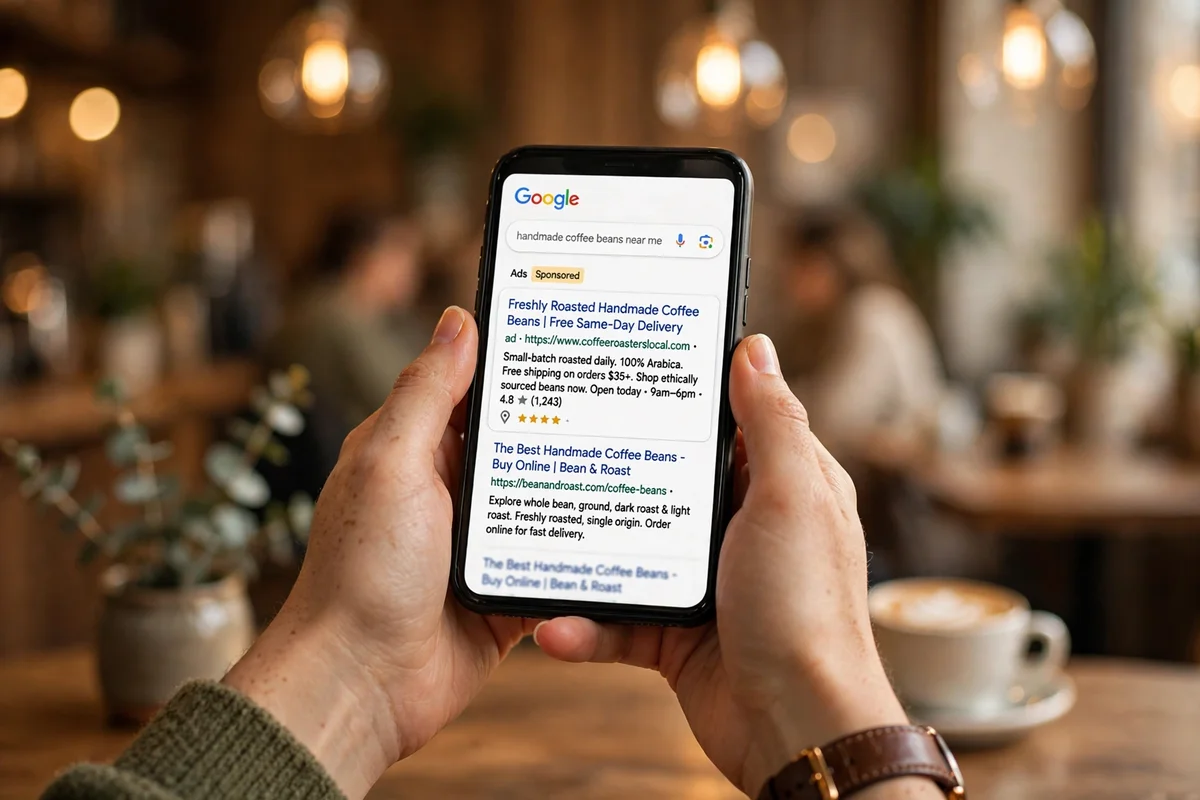
That is what makes Google Ads fair for small budgets. A national chain can outspend you, but it cannot out-target you in your own neighborhood — and when your ad matches the search, Google rewards you with lower costs per click. Local relevance is the small business’s built-in edge, and local SEO works on exactly the same principle.
Google Ads Campaign Types Compared
Google offers several campaign types, and picking the wrong one is the most common beginner mistake.
| Campaign Type | Best For | Where Ads Appear | Starting Budget |
|---|---|---|---|
| Search | Capturing buyers ready to act | Top of Google search results | $500–$1,500 per month |
| Performance Max | Reaching buyers across Google | Search, YouTube, Gmail, Maps, Display | $1,000–$3,000 per month |
| Display | Awareness and remarketing | Banner ads on websites and apps | $300–$800 per month |
| Shopping | Selling products with photos | Google Shopping and search | $500–$2,000 per month |
| Video | Storytelling and trust-building | YouTube ads | $500–$1,500 per month |
For most small businesses, Search is the right place to start: it targets people with clear intent, and results arrive fast enough to learn from. Performance Max works once you have conversion data, but gives you less control — a poor first campaign. Display and Video keep you visible to people who know you; Shopping is essential for online stores. Match the campaign type to the job: capture demand first, then build awareness.
How Much Should a Small Business Spend?
Start from the value of a customer. If a new client is worth $500 and one in ten visitors becomes one, each click is worth up to $50 in theory — but never pay that much. Aim for a cost per customer of one-third or less of what that customer is worth.
Most US small businesses start between $500 and $2,000 a month. Service businesses in competitive cities — lawyers, dentists, plumbers — often need more: a single click can cost $20 or $50. A local bakery, where clicks cost a dollar or two, can do a lot with $500. The budget must buy meaningful data: $100 a month and five clicks tells you nothing, while $500 and 200 clicks shows which keywords work. Protect it with negative keywords, and give each campaign its own budget so your best one never runs dry at noon.
Smart Bidding Strategies Explained
Bidding is how Google decides what you pay for a click. Automated bidding does most of the work today, usually better than manual bids — but only with the right goal and enough data.
Maximize Clicks is the simplest option: Google gets you as many clicks as your budget allows. It suits a brand-new campaign, but clicks alone do not pay the bills. Maximize Conversions aims for actions like calls and form fills, and needs conversion tracking set up properly. Target CPA caps what you pay per customer; Target ROAS sets the revenue you want back per dollar — the right choice for online stores. Start simple, gather a month of real data, then move to a target-based strategy. Automated bidding cannot fix wrong keywords, weak ads, or a poor landing page, which is why professional PPC management in the USA still starts with account structure and tracking.
The 5 Numbers That Tell You If Your Ads Are Working
Google Ads gives you dozens of metrics, but five tell you almost everything. Check them weekly and decide from them, not from gut feeling.
Click-through rate (CTR) shows how often people click your ad after seeing it. For Search, 3% to 5% is healthy; below 2% means the ad does not match the search. Cost per click (CPC) is what you pay on average — compare it against your own history, not other businesses. Conversion rate is the share of clicks that become a call, booking, or purchase — a matching landing page can double it overnight.

Cost per acquisition (CPA) is what one new customer costs you: total spend divided by total conversions. If a customer is worth $400 and your CPA is $80, the campaign is working; if your CPA is $450, it is losing money no matter how good the clicks look. Return on ad spend (ROAS) is the same idea for stores: revenue divided by ad spend. Review all five together — a high CTR with a terrible conversion rate means winning clicks and losing customers, usually a landing page problem, while a low CPC with a high CPA means cheap clicks from the wrong people.
Common Mistakes That Burn Budget
Most wasted spend comes from a handful of repeatable mistakes. The first is sending all traffic to the homepage: it talks about everything your business does, while the person who clicked came for one specific thing. Every ad group deserves its own landing page that matches the ad’s promise, loads fast, and makes the next step obvious — which is why technical SEO and site performance matter for paid campaigns too.
The second mistake is broad match keywords with no guardrails: a keyword like “shoes” can trigger your ad for “shoe repair,” “baby shoes,” and “shoe stores hiring.” Phrase and exact match, plus negative keywords, keep targeting honest. The third mistake is ignoring the search terms report — reviewing the actual searches that triggered your ads each week is the highest-return habit in Google Ads management. The fourth is running ads without conversion tracking: if Google does not know which clicks became customers, its automated bidding is flying blind, and so are you.
Doing It Yourself vs Hiring a Manager
Many owners start by managing Google Ads themselves, and for a simple local campaign that is entirely reasonable — with one service, one town, and a modest budget, a well-structured Search campaign can be learned in a few weeks.
A manager earns their fee when the account gets complicated: multiple services or locations, Shopping feeds, remarketing, and spend above a few thousand dollars a month. A good manager brings pattern recognition from dozens of accounts — they know which mistakes cost money and which tests pay off. A bad manager is easy to spot: no regular reporting, no explanation of what changed, and vague talk about “impressions” instead of customers and cost per acquisition. Either way, keep ownership of the account — in your business’s name, with your payment method. Paid ads work best as one part of a bigger picture: social media marketing and SEO build the demand and trust that make clicks cheaper, so the whole digital marketing strategy works as one system.
A Simple 30-Day Plan to Get Started
Week one: set up conversion tracking, define your service area, and research keywords for each core service. Build one campaign per service with tightly themed ad groups, and write two or three ads per group with a clear benefit and call to action.
Week two: launch with Maximize Clicks or Maximize Conversions and a modest daily budget. Watch the search terms report daily, add negative keywords, and fix any landing page that gets clicks but no conversions.
Weeks three and four: pause keywords that spent money without a conversion and shift that budget to the winners. Test a new headline in your best ad group, review the five key numbers, and raise the budget only once the cost per acquisition works. Growth should follow proof, not hope.
Frequently Asked Questions
How long does it take for Google Ads to work? You can get clicks on the first day, but meaningful results take two to four weeks: Google’s system needs time to learn which searches convert, and you need enough data for good decisions. Judge a campaign after a month, not a weekend.
Is Google Ads better than SEO? They do different jobs: Google Ads brings visitors immediately, while SEO builds lasting visibility that keeps working after you stop paying — but it takes months. Most small businesses do best with both.
What is a good cost per click? It depends on your industry and location. A local service might pay $2 to $5 a click, while legal or insurance keywords can cost $30 to $60. Judge the price against the value of a customer: a $50 click that brings a $5,000 client is cheap, while a $1 click that never converts is expensive.
Google Ads management is not about spending more — it is about spending deliberately. Start with Search, track every conversion, watch the five numbers that matter, and let the data tell you where the next dollar should go.